
Mpris2awtrix
display DBus/MPRIS track details on Ulanzi/Awtrix 3 display Home Assistant automation
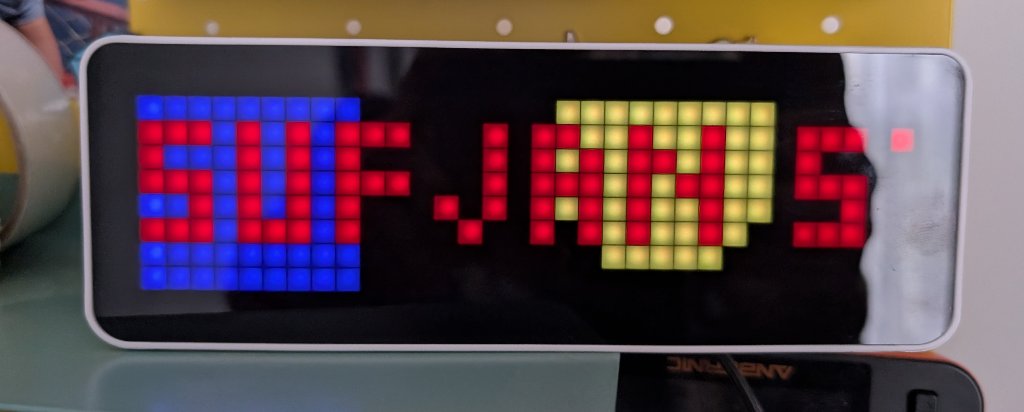
Table of Contents
This guide configures your Ulanzi/Awtrix 3 display to show notifications with the currently playing track’s artist and title whenever a new song starts on any MPRIS-compatible media player (Feishin
, Spotify, Firefox, VLC, etc.) on your Linux machine. It uses dbus2mqtt to forward media player events over MQTT, which are then picked up by Home Assistant and sent to the Awtrix display.
Prerequisites 
- Install Awtrix 3 firmware on your Ulanzi Smart Pixel clock (Amazon )
- Create a user (preferably a local access only) in Home Assistant for Awtrix
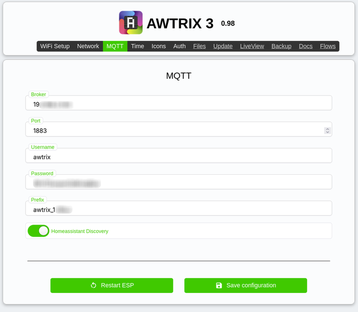
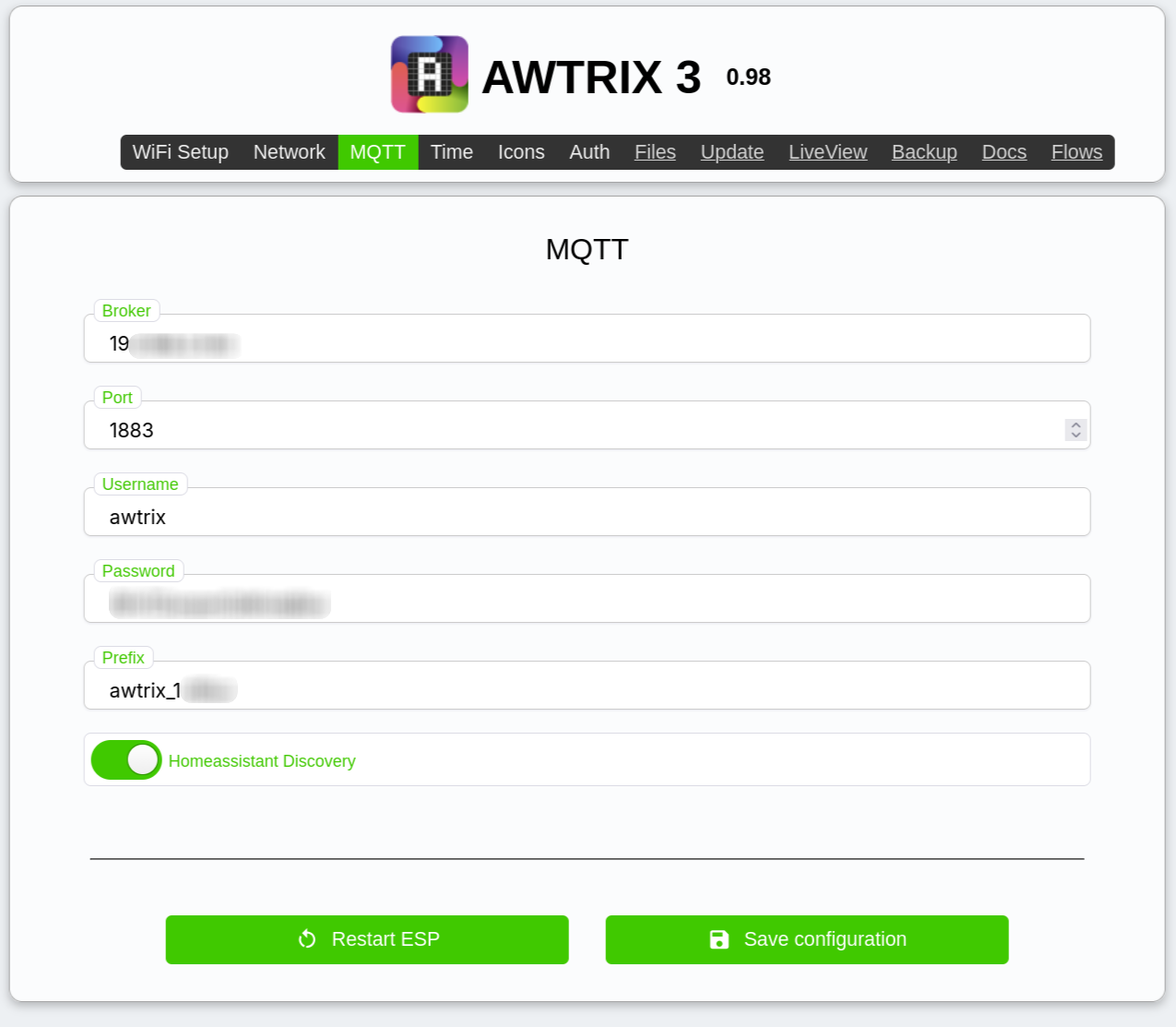
- Configure MQTT in Awtrix
- Install dbus2mqtt
with
uv tool install dbus2mqtt - Install HA Awtrix component for Home Assistant
Configure dbus2mqtt
Download the example mqtt mediaplayer config
and save it as ~/.config/dbus2mqtt/config.yaml. You can customize this file to filter specific media players if needed.
Create a new systemd service unit: ~/.local/share/systemd/user/mpris2awtrix.service
[Unit]
Description=Send notification to Awtrix display via HA MQTT

[Service]
Type=simple
ExecStart=/home/<YOUR_USERNAME>/.local/bin/dbus2mqtt --config /home/<YOUR_USERNAME>/.config/dbus2mqtt/config.yaml
User=<YOUR_USERNAME>
StandardOutput=journal
StandardError=journal

[Install]
WantedBy=default.target
Enable mpris2awtrix service
systemctl --user daemon-reload
systemctl --user enable mpris2awtrix.service
systemctl --user start mpris2awtrix.service
systemctl --user status mpris2awtrix.service
Create Home Assistant automation
Here’s a raw YAML Home Assistant automation which sends a notification to Awtrix display only when a new track starts playing.
The Position == 0 condition ensures it triggers only at the beginning of a track (not on resume or seek), while PlaybackStatus == 'Playing' confirms the media is actively playing.
alias: Show track name on Awtrix
description: ""
triggers:
  - trigger: mqtt
    options:
      topic: dbus2mqtt/org.mpris.MediaPlayer2/state
    enabled: true
conditions:
  - condition: template
    value_template: "{{ trigger.payload_json.Position == 0 }}"
    enabled: true
  - condition: template
    value_template: "{{ trigger.payload_json.PlaybackStatus == 'Playing' }}"
    enabled: true
actions:
  - action: awtrix.notification
    metadata: {}
    data:
      device: <REPLACE_WITH_YOUR_AWTRIX_DEVICE_ID>
      text:
        - t: >-
            {{ trigger.payload_json.Metadata.get('xesam:artist', ['Unknown
            Artist'])[0] }}
          c: FF0000
        - t: " - "
          c: AAFFBB
        - t: >-
            {{ trigger.payload_json.Metadata.get('xesam:title', 'Unknown Track')
            }}
          c: 00FF00
      duration: 10
      rainbow: false
      wakeup: true
      effect: Ripple
mode: single
Test it
Play a track in your media player. The Awtrix display should show a notification with the artist and track name.
Check the logs with journalctl --user -u mpris2awtrix.service -f if it doesn’t work.